
Start here: the truth about ATS
If you've job-searched in the last decade, you've seen the terrifying statistic: "75% of resumes are rejected by ATS before a human ever sees them." It has launched an entire industry of keyword-stuffing tools and "beat the bot" templates. There's just one problem.
Myth: “75% of resumes are auto-rejected before a human sees them”
The figure traces to a defunct vendor (Preptel, 2013) with no published methodology. A 2025 Enhancv study of 25 recruiters across 10+ platforms found ~92% of ATS do not auto-reject based on resume content — they rank and sort for human review.
It isn't true. Career consultant Christine Assaf traced the "75%" claim back to its source: a sales pitch from a company called Preptel, which sold resume-optimization services and had every incentive to make ATS sound terrifying. Preptel published no methodology, no study, no sample size — and, as Assaf documented, went out of business in August 2013. When she searched academic databases for any peer-reviewed support for a "75% ATS rejection rate," she found none. The number then spread through a citation chain — a 2014 Forbes piece cited Preptel, a 2019 CNBC piece cited the chain — without anyone verifying the original.
Here is what actually happens. An ATS is, at its core, a database and workflow tool — "Google for resumes," as one analysis puts it. It stores applications, parses them into structured data, and lets recruiters search and rank candidates by keyword, skill, experience, and location. It does not, in the vast majority of cases, autonomously reject you. An Enhancv study of 25 US recruiters across 10+ ATS platforms (Sep–Oct 2025) found that 92% confirmed their ATS does NOT auto-reject based on resume content — they use it to rank and sort. Even Jobscan — a company that makes money selling ATS optimization — states plainly that an ATS doesn't reject resumes; it stores them and lets recruiters search.
So why does the myth persist, and why does optimizing still matter? Because being ranked #150 out of 250 is, functionally, the same as being rejected. A recruiter facing 250 applications opens the top 20–30. If your resume doesn't surface in their keyword search, or ranks poorly against the job description, no human ever reads it. The goal of "passing ATS" isn't to defeat a robot gatekeeper; it's to be readable, findable, and well-matched so you land in the pile that humans actually review.
There are two genuine ways an ATS removes you automatically, and they're worth understanding:
- Knockout questions. When you apply, you often answer screening questions (work authorization, required certification, willingness to relocate). The Enhancv study found 100% of surveyed recruiters use these. A "wrong" answer here can auto-filter you regardless of your resume.
- Parsing failure. If the ATS can't read your resume — because it's an image, uses a layout the parser scrambles, or hides text in places the parser skips — your information gets garbled or lost, tanking your match. This is the failure mode you control completely with formatting.
How the real hiring flow works
Here is the actual sequence at most large employers:
- You apply. Your resume enters the ATS database, often after you've also answered knockout questions and (frustratingly) re-typed your work history into form fields.
- The ATS parses your resume, converting it to structured text and attempting to categorize contact info, work experience, education, and skills.
- The ATS ranks or surfaces candidates against the job description's keywords and required criteria. One Jobscan-cited benchmark: resumes matching 80%+ of a job description's keywords pass screening at roughly 2.5× the rate of those matching below 50%.
- A recruiter opens the ranked or searched list and gives each promising resume the famous ~7.4-second scan (per Ladders' 2018 eye-tracking study). For how to win that human scan, see our complete resume-writing guide.
- The recruiter shortlists the handful who clearly match for human review and interviews.
Your resume has to win at two gates: the software gate (be parseable and keyword-matched so you rank well) and the human gate (be skimmable and compelling so the 7.4-second scan converts). Optimizing for one while failing the other gets you nowhere.
How widespread is ATS, really?
Nearly universal among large employers. Jobscan's 2025 ATS Usage Report (its 5th edition), which reverse-engineered the career pages of all 500 Fortune 500 companies, states: "In 2025, we detected an ATS for 97.8% of Fortune 500 companies. That amounts to 489 companies out of 500." The figure has hovered around 97–99% for years.
of Fortune 500 companies run an ATS (Jobscan, 2025)
of ATS don't auto-reject based on resume content
pass rate when you match 80%+ of the JD's keywords
of the JD's keywords the average resume includes
Adoption is lower but substantial among smaller firms — Recruit CRM data cited alongside puts overall recruiter ATS use around 93%, with roughly 60% of small businesses and 80% of large organizations using one. So if you're applying to large companies, you should assume software is involved.
The major ATS platforms and their quirks
Among the Fortune 500 in 2025, Jobscan reports Workday remains dominant: "Over 39% of the companies on the list use Workday for talent acquisition," with SAP SuccessFactors at a 13.2% usage rate — together more than half (a combined 52.4%) of the Fortune 500. Across the broader market (smaller companies), the picture is far more fragmented: Jobscan's wider dataset showed Greenhouse leading at 19.3%, Lever at 16.6%, Workday at 15.9%, and iCIMS at 15.3%.
- Workday — the enterprise heavyweight, used by most Fortune 500 firms. Expect a long, multi-step application where you create an account and manually re-enter your work history; its parser often requires correction. Robust, modern text extraction.
- SAP SuccessFactors — SAP's enterprise suite, common at large global companies that run on SAP.
- Greenhouse — extremely popular in tech and at mid-size growth companies (7,500+ customers); known for a clean, fast application and an excellent, permissive parser.
- Lever — common at startups (Series A–C) and fast-growing tech firms; combines ATS and CRM; modern parser.
- iCIMS — enduring enterprise platform; uses simpler text extraction than Workday/Greenhouse, so it's more sensitive to fancy formatting and unusual fonts.
- Taleo (Oracle) — a legacy system still common at large and government employers; its rule-based parser is the strictest and most font- and format-sensitive. If your target uses Taleo, be conservative.
- BambooHR — common at small and mid-size businesses; straightforward.
- Ashby — a newer, analytics-heavy platform gaining traction at modern startups.
The practical takeaway: you can't know every system, so build to the strictest common denominator (Taleo/iCIMS) and you'll be safe everywhere.
ATS-friendly formatting rules
These rules exist for one reason: to make sure the parser extracts your information correctly and completely.
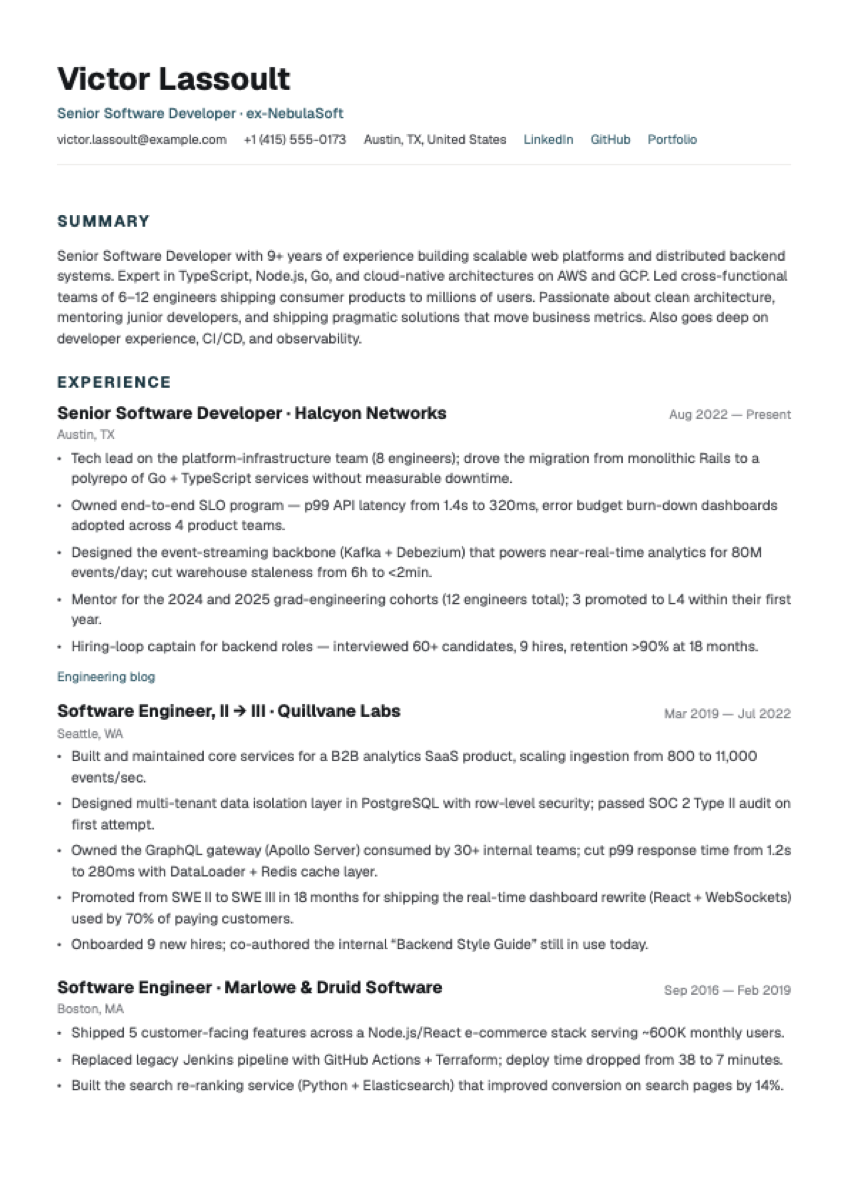
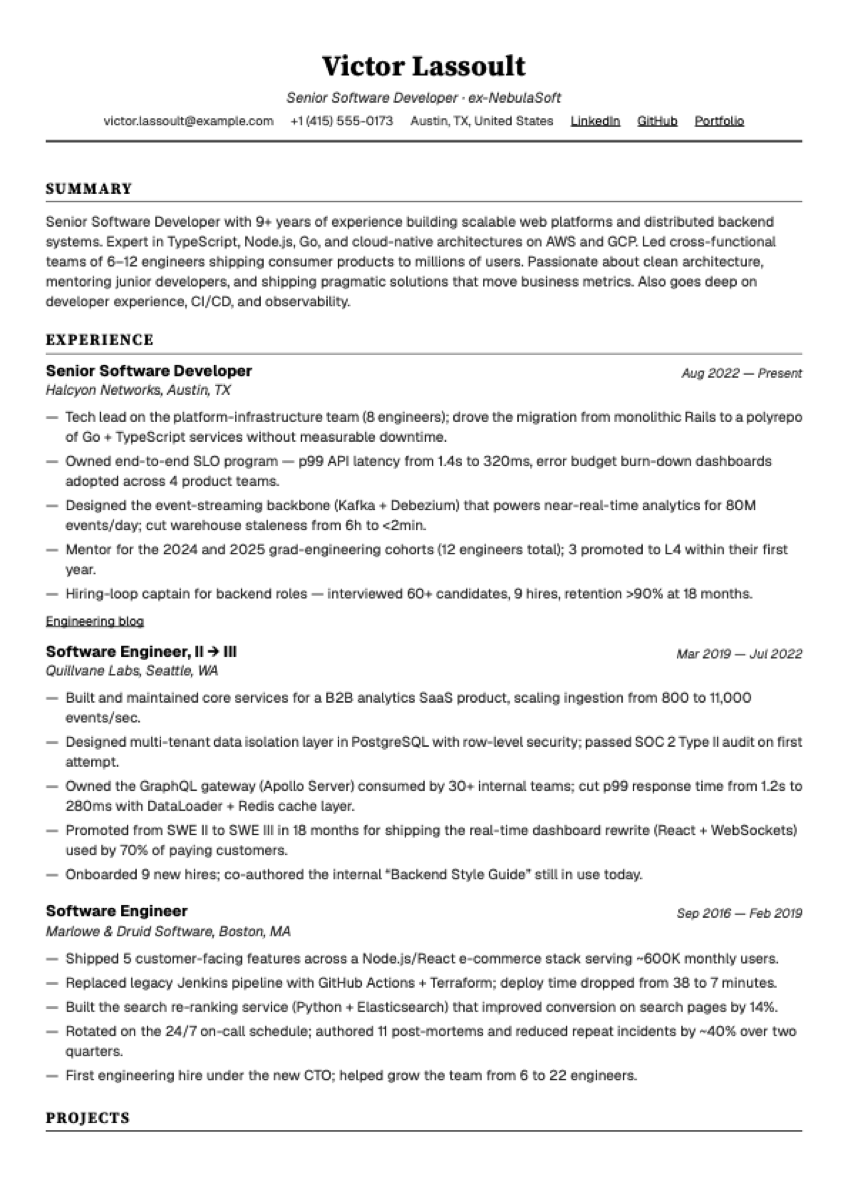
- Use a single-column layout — or a multi-column one that's been parse-tested. Multi-column designs are the most common parsing failure: parsers often read across columns and scramble the order. An EDLIGO analysis (2025, 1,000 rejected resumes across Workday/Taleo/Greenhouse) put single-column parsing accuracy at 93% versus 86% for two-column. But the real culprit isn't columns on the page — it's the text-stream order inside the PDF. In our own 36-template parsing test on Zoho Recruit, two-column templates built main-content-first parsed completely, while layouts with a scrambled stream lost current jobs, skills, and even email addresses. That's why every Resumap template — including the two-column ones — ships with its text stream built for parsers, and we publish the raw parsing results instead of asking you to trust the claim.
- Use standard section headings. "Work Experience," "Education," "Skills." Creative headings like "My Journey" or "Where I've Been" can prevent the ATS from categorizing your content.
- No tables for core content. Parsers frequently misread tabular data, misaligning rows and columns. Use plain text with consistent indentation.
- No text boxes. Content inside text boxes is often invisible to parsers in both PDF and Word.
- No images, logos, icons, or graphics containing text. ATS can't read text embedded in images.
- Keep contact info in the body, not the header/footer. Many ATS skip these; TopResume found contact info was missed about 25% of the time when placed there.
- Use standard fonts (see below) and standard date formats (e.g., "March 2022 – Present" or MM/YYYY), applied consistently.
- Avoid underlining (it can be confused with hyperlinks) and don't rely on color to convey meaning.
PDF or DOCX for ATS?
The gap has narrowed dramatically. Modern ATS parse text-based PDFs reliably — by ResuFit's account, the systems used by 98% of the Fortune 500 handle text PDFs fine. The real distinction is text-based PDF vs. image-based PDF: a PDF exported from Word, Google Docs, or a resume builder is machine-readable; a scanned or "printed-to-image" PDF is not and will fail. That said, some practitioners still prefer .docx for online ATS portals as the most universally safe option (the EDLIGO analysis put DOCX failure at ~4% vs. ~18% for PDF on its sample), reserving PDF for direct emails to recruiters. The safest rule: submit the format the posting requests; if none is specified and you're applying through a portal, .docx is the conservative choice; a clean text-based PDF is fine for modern systems.
ATS-safe fonts
Stick to widely installed, clean fonts. The two safest — confirmed by ResumeLab's 2026 ATS font study to have under 2% parse-error rates across all five major platforms — are Calibri and Arial. Also reliable: Georgia, Garamond, Helvetica, Verdana, Cambria, Tahoma, and Times New Roman. Use 10–12pt body text. Avoid decorative, script, or handwriting fonts (Brush Script, Papyrus, Comic Sans) — they cause character-extraction failures and can render as garbage or empty boxes. In one Workday-style parse test, a Papyrus resume bullet dropped to a 58% match because the decorative characters didn't survive extraction. On strict systems like Taleo, even thin serifs can occasionally misparse (e.g., turning "$4.2M" into "$4,2M"), so Calibri or Arial are the safest bets when you know the employer uses a legacy system.
Keyword strategy: mirror the job description
This is where ranking is won or lost. The average resume contains only about 51% of the keywords in its target job description — covering roughly 60% of hard skills but only 28% of soft skills — even when the candidate is genuinely qualified. Closing that gap is the single biggest lever you have.
How to do it:
- Pull keywords straight from the job description. Required skills, tools, technologies, certifications, and the job title itself are the highest-value terms.
- Mirror exact phrasing. ATS parsers are often literal and many can't match synonyms. If the posting says "project management," writing "program management" may not register. If it says "Google Analytics," don't write "web analytics." The Harvard Business School/Accenture "Hidden Workers" study (2021, surveying 2,250+ executives) found that rigid criteria cause systems to screen out qualified people who describe the same work differently — a candidate who did "customer success" work under the title "client relationship manager" can be filtered out. The study found 88% of employers agreed that qualified, high-skilled candidates are vetted out because they don't match the exact criteria.
- Include both the spelled-out term and the acronym where relevant — e.g., "Project Management Professional (PMP)" — because systems vary in how they handle abbreviations, and a mismatch between "BS" and "Bachelor's degree" can make a system think you lack a degree entirely.
- Place keywords naturally across sections — skills, summary, and especially within your achievement bullets — rather than dumping them in one block. The skills section is the easiest place to match and the most commonly under-used.
- Aim to match roughly 70–80% of the required skills and qualifications. You don't need 100%; you need enough to rank in the top tier (Jobscan benchmarks show 80%+ matches pass at ~2.5× the rate of sub-50% matches).
Why keyword-stuffing and "white text" tricks backfire
Some people paste the entire job description in white text or invisible 1pt font to game the keyword count. Don't. Modern ATS increasingly use context-based parsing, not raw keyword counts, so stuffing adds little. More importantly, the resume that ranks well in the ATS still has to survive a human's 7.4-second scan — and a recruiter who spots gibberish, hidden text, or a wall of stuffed keywords will reject you outright. Ladders' eye-tracking also noted that evidence of keyword stuffing, while it can help automated screening, signals a low-quality candidate to the human reader. The line is simple: if your resume reads like a qualified human wrote it, you're fine; if it reads like spam, you've lost the human gate.
Title matching matters
One of the most under-appreciated levers: align your resume's headline and recent titles with the job title where it's honest to do so. Jobscan's analysis of nearly one million job applications found that matching the job title from the posting on your resume made you 3.5× more likely to land an interview. If your official title was "Marketing Specialist" but you did the work of a "Demand Generation Manager" and that's the role you're targeting, it's legitimate to clarify the functional title — but never fabricate a title or seniority you didn't hold.
How to test whether your resume is ATS-readable
You don't need expensive software. The fastest, most reliable test is the plain-text test:
- Open your finished resume (PDF or DOCX).
- Select all the text and copy it.
- Paste it into a plain-text editor (Notepad, TextEdit in plain-text mode, or a blank email).
- Read what comes out. If the content appears in a logical order, all sections are present, and nothing is garbled or missing, your resume is likely parseable. If columns scramble, your name disappears, bullets turn to symbols, or text from boxes/tables vanishes, fix those elements.
A second check: if your PDF lets you highlight and copy clean, selectable text, it's a proper text-based PDF (not an image). Many ATS checkers also show a "parsed view" of what fields they extracted — use it to confirm your title, dates, and skills came through.
ATS myths vs. reality
75% of resumes are auto-rejected by an ATS before a human sees them.
Traces to a defunct vendor (Preptel, 2013) with zero methodology. ~92% of surveyed recruiters say their ATS doesn't auto-reject on content (Enhancv 2025). Humans reject; the ATS ranks and sorts.
The ATS is a genius AI that judges you.
It's mostly a searchable database and workflow tool. Recruiters who use one daily laugh at the 'mythical AI' framing.
Keyword stuffing guarantees you pass.
Modern parsers use context, and human reviewers reject obvious stuffing — it reads as spam.
Creative, designed resumes impress everyone.
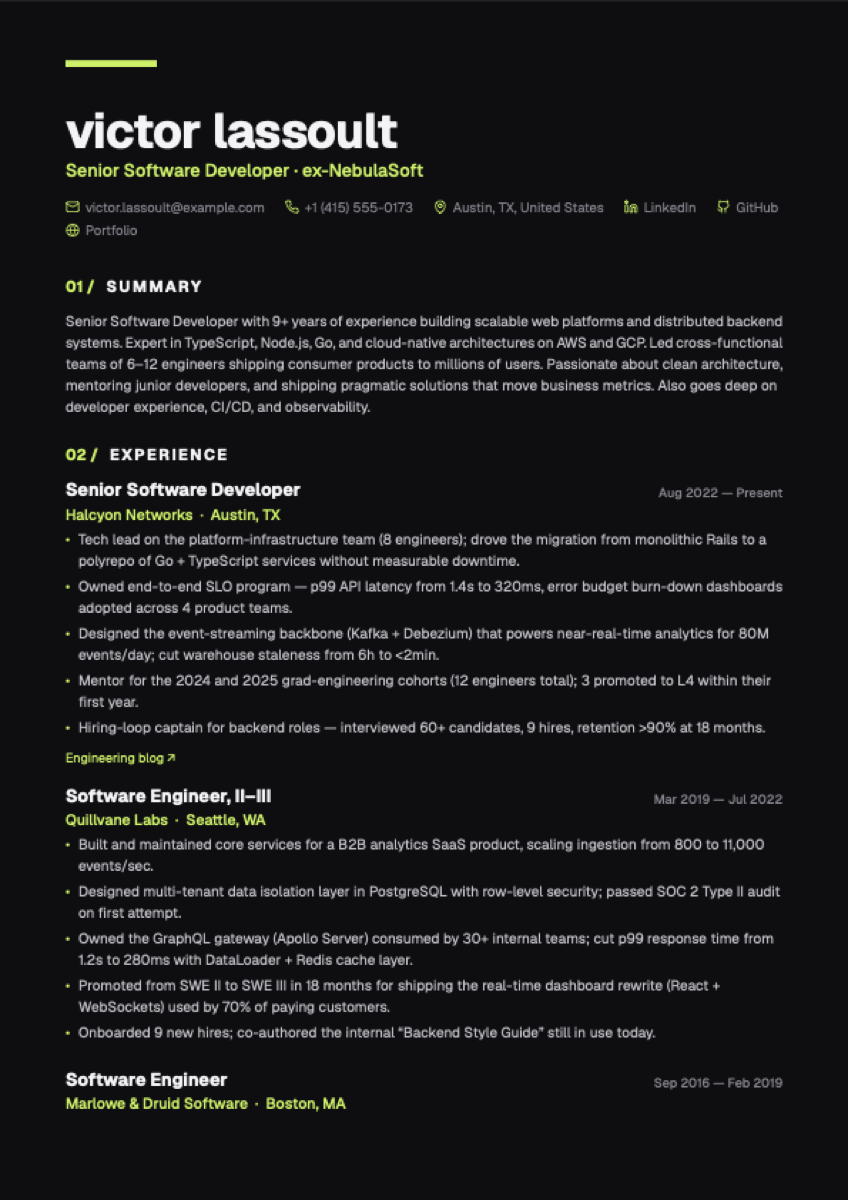
Graphics, decorative fonts, and column layouts with an untested text stream cause parsing failures. Save the design flair for portfolios — or use a designed template whose parsing has actually been tested.
Beating the ATS guarantees an interview.
An ATS-friendly resume only gets you in front of a human. The human still decides.
An ATS checks your grammar and spelling.
It generally doesn't — but the moment a recruiter opens your resume, typos can sink you.
How to make your resume ATS-friendly: the steps
- Use a single-column, reverse-chronological layout with standard section headings.
- Put contact details in the body, not the header/footer.
- Choose Calibri or Arial at 10–12pt; avoid tables, text boxes, images, and columns.
- Mirror the job description's exact keywords for skills, tools, and title — aim for ~70–80% match.
- Spell out and abbreviate key terms (e.g., "PMP").
- Export a text-based PDF (or .docx if the portal requests it); never an image.
- Run the plain-text test and fix anything that scrambles.
- Make sure it still reads like a human wrote it, so it survives the 7.4-second human scan.
Where Resumap fits
Most ATS checkers score your resume against a generic rubric. That's not how hiring works — you're ranked against a specific job description. Resumap's ATS checker scores your resume against the exact job you're targeting and returns a clear verdict — Strong Match, Good, Fair, Poor, or an honest "Don't Apply" — plus a seven-dimension weighted breakdown (must-have skills, responsibilities, qualifications, years of experience, education, title alignment, and nice-to-have skills) and a prioritized list of the highest-impact fixes. Each scan is a one-off credit charge with no subscription, and the welcome credits you get at sign-up cover your first scans. If you'd rather start from a clean, parser-safe foundation, the free resume builder uses parse-tested, ATS-friendly templates — single- and two-column, with the parsing results published.
Frequently asked questions
Do applicant tracking systems automatically reject most resumes?
No. The "75% auto-rejected" claim is a debunked myth from a defunct vendor (Preptel, 2013). Enhancv's 2025 recruiter study found ~92% of ATS don't auto-reject on resume content — they rank and sort for human reviewers. The real risk is ranking too low to be seen, or being filtered by knockout questions.
What automatically filters me out, then?
Two things: knockout/screening questions (work authorization, required certifications), and parsing failures where the ATS can't read your resume. Both are avoidable.
Is PDF or Word better for ATS?
A clean, text-based PDF works in modern systems. For online portals, .docx is the most universally safe. Never submit a scanned or image-based PDF, and always follow the format the posting requests.
What's the safest font?
Calibri or Arial, at 10–12pt. ResumeLab's 2026 study found both parse with under 2% error across major platforms.
How many keywords do I need from the job description?
Aim to match roughly 70–80% of the required skills and qualifications. Resumes matching 80%+ pass screening at about 2.5× the rate of those below 50%.
Does keyword stuffing or white text work?
No. Modern parsers use context, and human reviewers reject obvious stuffing. It can also get you screened out for looking like spam.
How do I know which ATS a company uses?
You often can't be certain, though browser extensions and the careers-page URL sometimes reveal it. Build to the strictest common systems (Taleo, iCIMS) and you'll be compatible everywhere.
Will a fancy, designed template hurt me?
If it uses tables, text boxes, graphics, or decorative fonts, yes — it risks parsing failure. Columns are riskier on average but not automatically fatal: what matters is the text-stream order inside the PDF. Run the plain-text test above, or pick a template whose parsing the vendor has actually tested and published — we do exactly that for every Resumap template, two-column ones included.